
Your money in Finances
What Finances shows: money that came in and went out, what's still owed or late, work you haven't invoiced, and exactly what Aestro counts as paid and owed.
Finances starts with what came in, what went out, and what you kept.
Open Finances in the sidebar. The Overview tab opens with one line of sums for the year: Came in, minus Went out, equals Kept in 2026. Pick another year from the menu beside it, or All records to see everything.
Next to the year are two more numbers. Still owed is what clients haven't paid yet on invoices you've sent, and says how much of it is late. Not invoiced is work on open projects you haven't billed, with how many projects.
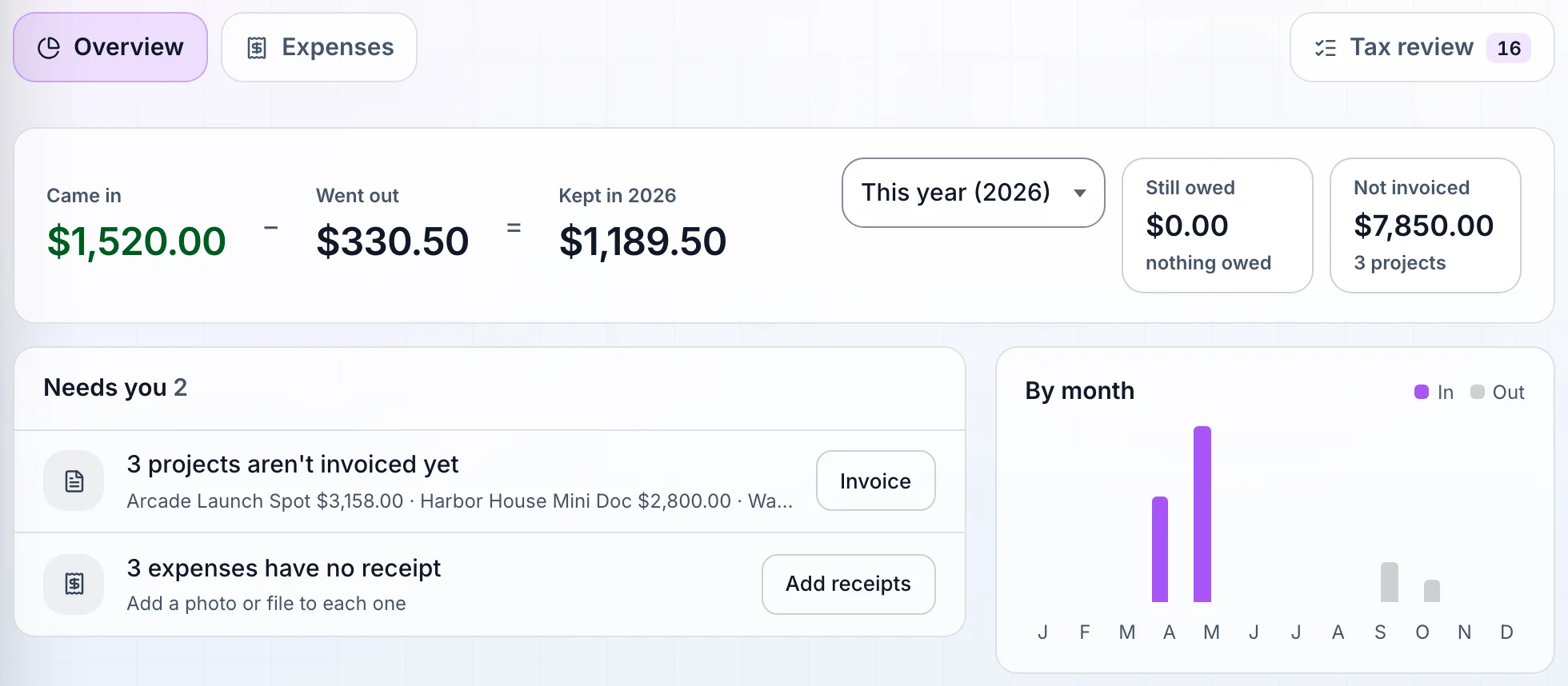
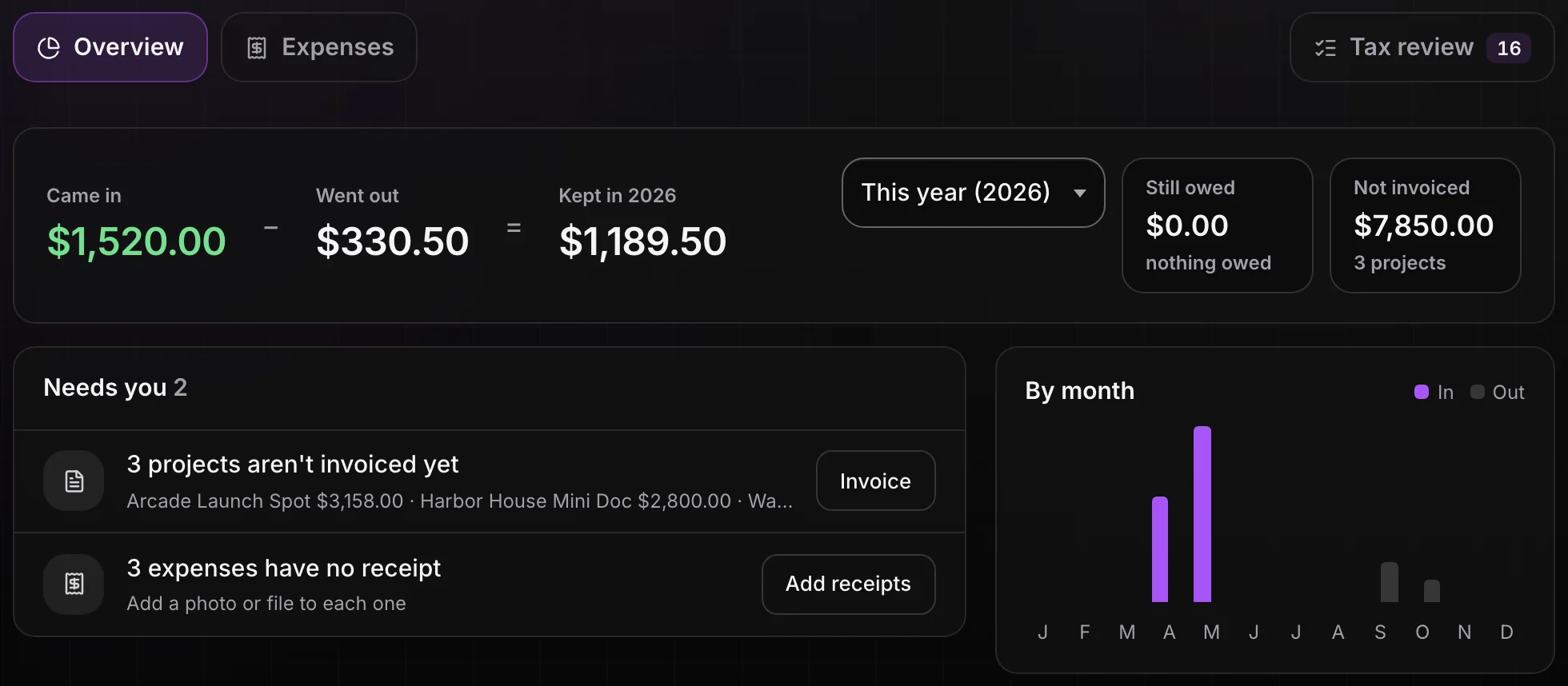
Needs you lists the money that's waiting on you.
Needs you only appears when something does. It can hold three kinds of row:
- A late invoice, or one waiting with no due date. The row says how many days late and how much is left. Follow up opens the invoice. Up to three show here, late ones first.
- Projects that aren't invoiced yet. Invoice opens the first one so you can bill it.
- Expenses with no receipt. Add receipts takes you to them.
Following up on a late invoice is covered in What to do when a client pays late.
In and out, month by month.
Below Needs you, In and out lists every payment and expense, newest month first, with each month's net. Use All, In, Out, or Unpaid invoices to narrow it. Click a row to open its invoice or expense. An expense without a receipt says so on its row.
The column on the right shows the year at a glance:
- By month is a small chart of money in and out.
- Where it came from splits what you invoiced by source, paid or not.
- Ready for tax time counts how many expenses have receipts. Open tax review takes you to Tax review, where you check payment dates before the year's paperwork.
At the bottom, All invoices and payroll opens a table of every invoice and payroll job, with its date, amount, and Paid or Not paid yet. You can search it and sort by any column.
What counts as paid, owed, and not invoiced.
Finances reads what you record. It doesn't see your bank account.
- Came in is the payments recorded on your invoices, on the dates you entered. An invoice marked paid with no payment recorded counts on its invoice date. With Pro, a payment made on your client's page marks the invoice paid for you.
- Went out is your expenses. Subscriptions you track count when you record each charge as an expense, not from the forecast.
- Still owed is the balance left on invoices that aren't paid and aren't drafts. A draft no one has sent isn't owed yet.
- Late means owed and past the due date.
- Not invoiced is open projects with an amount and no invoice sent or paid. Projects set to Waiting for payment or Complete are left out.
Only amounts in your workspace currency are added together, so the sums stay true. Invoices in another currency still show in the table.
Before you trust the numbers.
Use this checklist as you review. Your checks stay on this page until you leave or reload.
0 of 6 checked
See your year in one place.
Record payments on your invoices and add your expenses, and Finances shows what came in, what went out, and what still needs you.
Get started with AestroExplore the demo first