
The Aestro iPhone app
What the iPhone app does: the same workspace as the web, receipts and project edits saved with no signal, notifications for activity, and the few things that stay on the web.
The iPhone app is the same workspace, in your pocket.
The Aestro app for iPhone uses your Aestro account and the same workspace as the web. A project, invoice, or receipt you add on one shows on the other. Get it from the App Store at aestro.app/iphone.
To sign in, use Sign in with Apple, or your Email or username and Password. If you've set up a passkey, Use a passkey signs you in with Face ID. Forgot password? emails you a link to choose a new one. New to Aestro? Create an account starts one from the phone.
What's where in the app.
The tabs along the bottom are Home, Projects, People, Gear, and More. Home starts with four quick actions, Invoice, Receipt, Project, and Person, then shows what needs you.
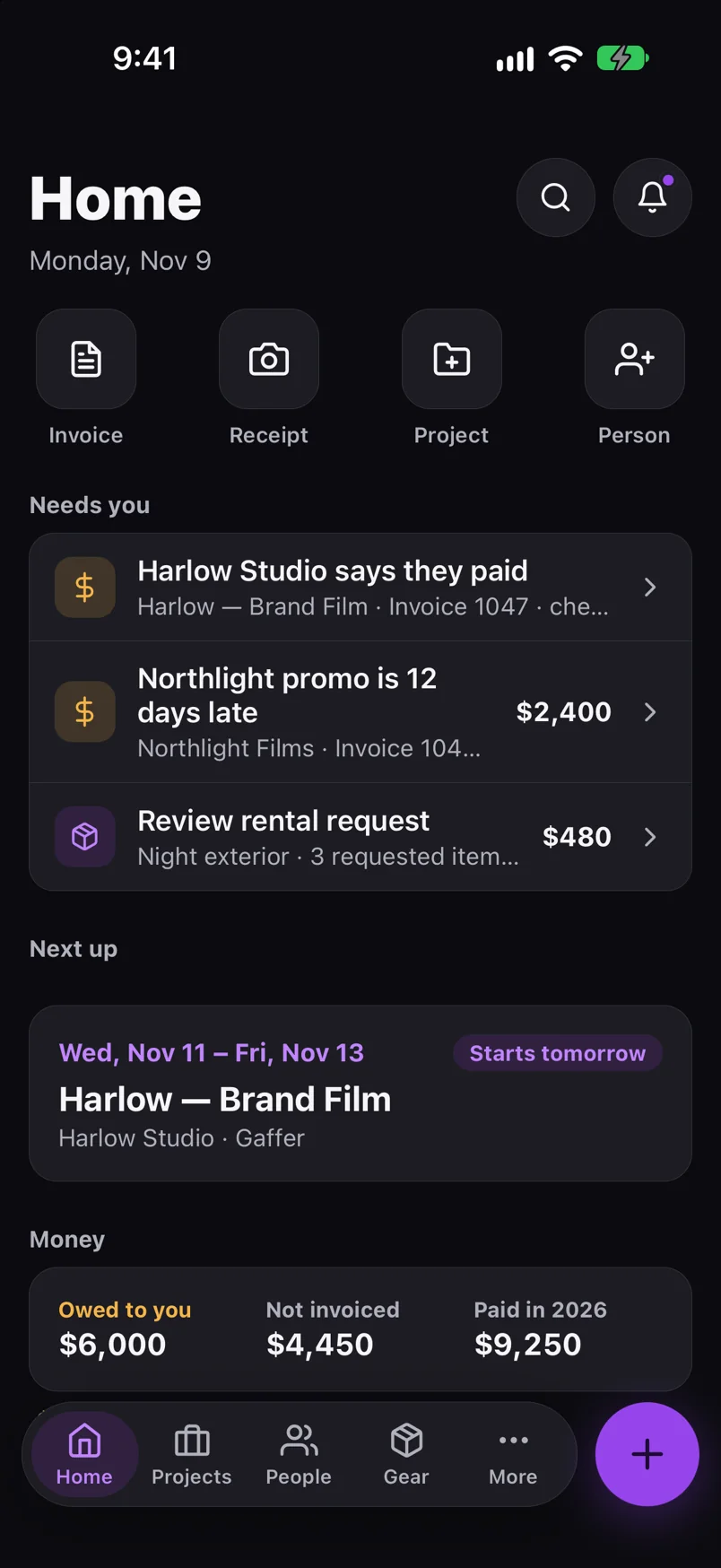
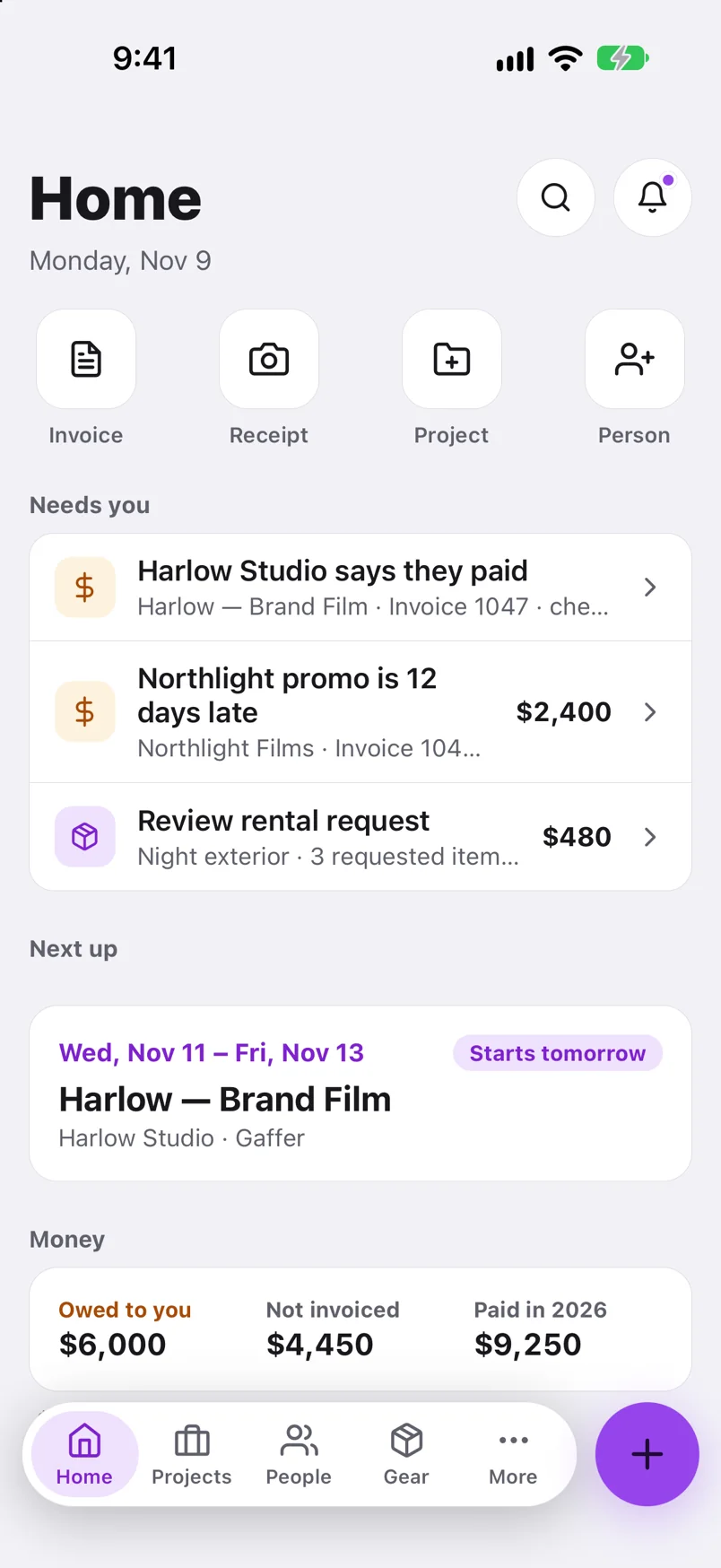
More holds the rest, in three groups:
- Money: Invoices, Expenses, and Totals & taxes.
- Work: Deliveries (if your workspace has them), Calendar, Documents, Requests, and Search.
- Workspace: Settings, with your business details, payment instructions, backups, notifications, and sign-in.
No signal on set? Keep working.
When the phone can't reach Aestro, the app says You're offline and shows your workspace as it was last saved, with the time.
- Receipts and invoices can be added offline. They're kept on the phone and added once you're back online.
- Changes to a project are kept too: gear on a list, project details, dates, people, the client, and gear pickups and returns. They show on the project as if saved and go out in order when the phone reconnects.
- Everything else needs a connection. Rows that need one, like Documents or Expenses in More, are grayed out until you're back.
While something is waiting, the app tells you, like "2 receipts, 1 invoice and 3 changes saved offline". If someone changed the same thing somewhere else while you were offline, Aestro doesn't overwrite it. It shows you both versions and asks which to keep: yours, or theirs.
Get activity as notifications on your phone.
The bell at the top of Home opens Activity: invitations, rental requests, gear changes, payments, signatures, and client replies. Tap Turn on notifications there to get them on your lock screen. The app icon's badge shows how many are unread, and tapping a notification opens what it's about.
To choose which ones, open More, then Settings, then Notifications. Pick In Aestro, Phone, or Email at the top, then switch each kind on or off for that place, like Payments, Signatures and replies, or Rental requests. With the app on your phone, Aestro notifies you there instead of by email. Turn email on for anything you want both ways. The web has the same switches in Settings.
What you still do on the web.
Most day-to-day work is on both. A few things are on the web only for now:
- Making a rental agreement PDF in Agreement setup. On iPhone you can send one to sign from the invoice.
- Co-signers, signing order, and drafts when you send a PDF to sign. The phone sends to you and your client.
- Exporting or importing your whole workspace, in Settings under Export and import, and Download account data.
- Bringing in gear from a spreadsheet with Import gear.
Backups and deleting your account are in the app's Settings as well as the web's; see Backups and your data.
Before a shoot day.
Use this checklist as you review. Your checks stay on this page until you leave or reload.
0 of 5 checked
Take Aestro to set.
Get the iPhone app at aestro.app/iphone, sign in with the same account, and log receipts and gear changes even with no signal.
Create your accountExplore the demo first