
Ask your client for filesProfeature
How to send your client a private link with a checklist of the files you need, and have their uploads land on the project, sorted by what you asked for.
Ask once, and the files land on the project.
Logos, songs, footage, a shot list, brand fonts, a signed release: whatever you need from your client before the job. You list each thing, and your client gets a private link with that list as a checklist. They add files to each item, and the files go into the project, sorted by what you asked for.
Your client doesn't need an account. They can send anything up to 50 GB a file, and a big upload picks up where it left off if it stops.
What they send counts toward your space, and it's kept 60 days after the last upload. Asking for files is part of Pro.
Ask from the project's Deliveries tab.
- Open the project and go to Deliveries. Choose Ask for files at the top, or in the card beside the list.
- List what you need. Under What you need, write one line for each thing. + Add something adds another line.
- Add the extras, if they help. Note to Dana, a By date, and a Title are all optional. What Dana sees beside the form shows the page as you type.
- Send it. Email it to Dana sends the link from Aestro. Make the link gives you the link to send yourself.
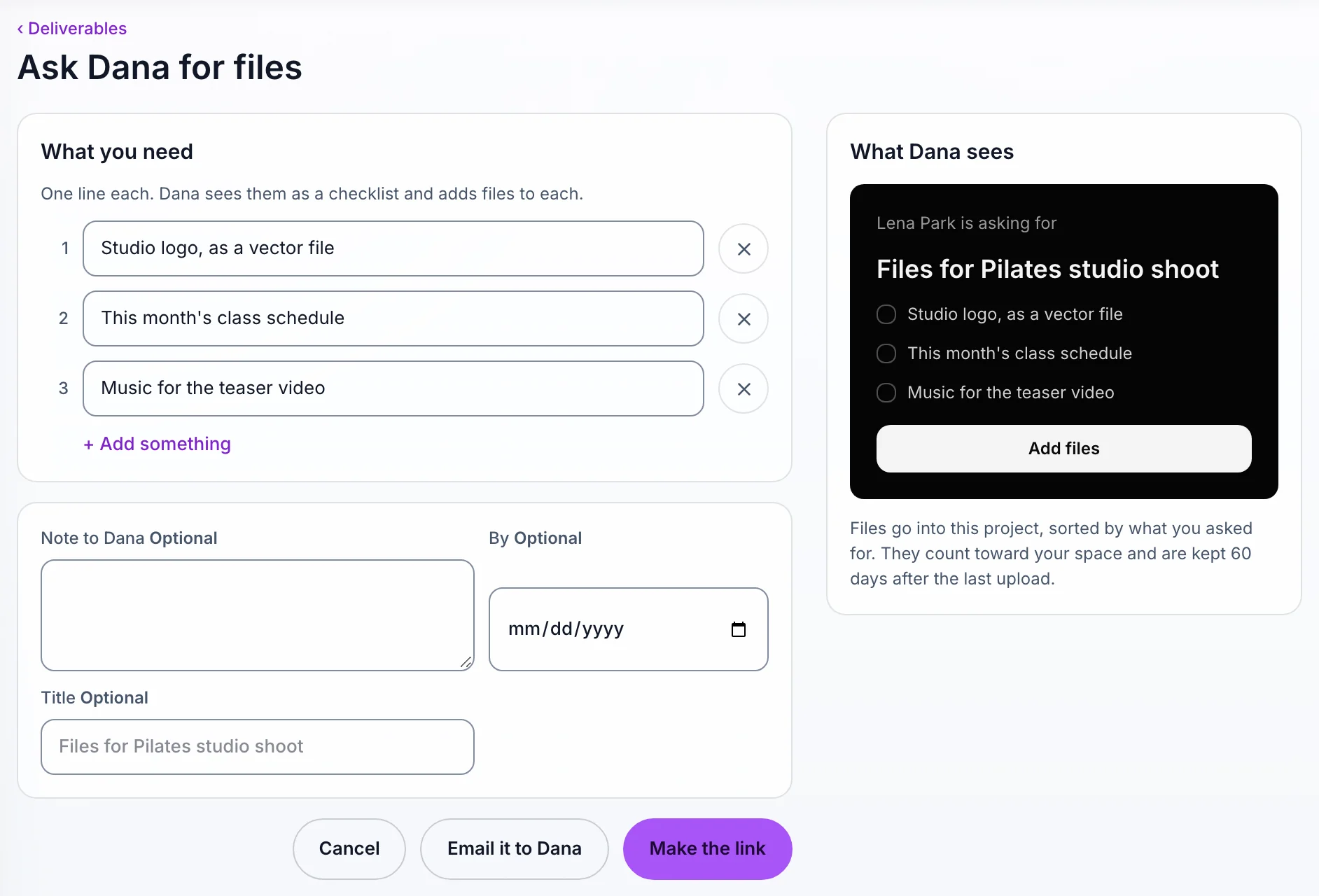
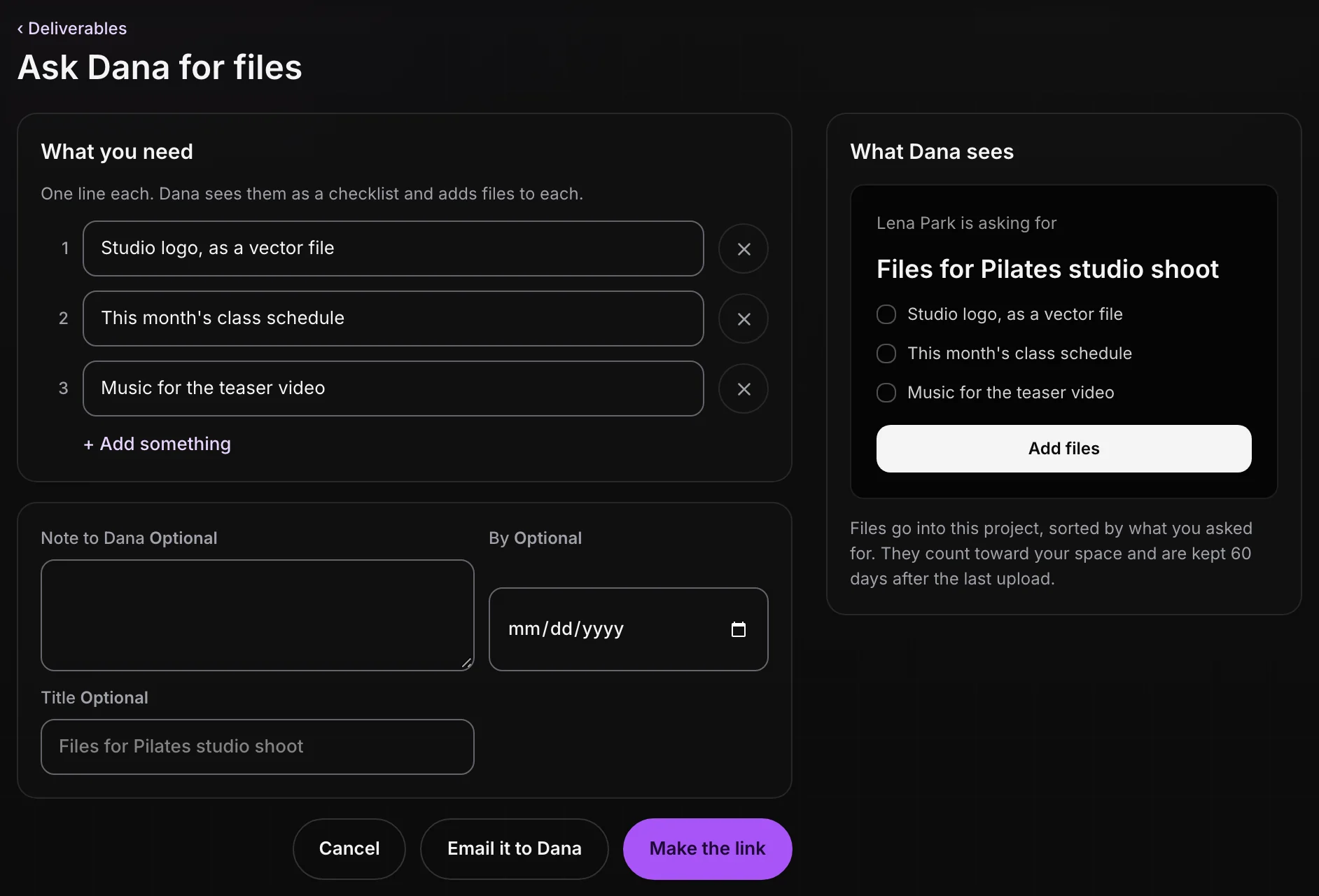
On Free, the card beside the list shows what asking looks like, with See Pro.
What your client sees.
Your client opens the link and sees your list. They drop files or folders on the page, or choose them, and Aestro asks What are these files for? so each file lands under the right item. On a phone they can add from Photos or from Files.
The page asks them to keep it open until the upload is done. If they leave or the connection drops, they drop the same files again and it picks up where it left off. They only ever see the names and sizes of what they sent.
When the files come in.
The card on the project's Deliveries tab ticks off each item as files arrive, and shows Nothing yet for the rest.
- See files opens the request, with what came in under each item and Download all.
- Copy link gives you the link again. If some items are still missing, Remind Dana sends a reminder by email.
- Inside the request, Edit what you asked for changes the list, Stop taking files closes the link, and Make a new link replaces it. Delete request removes it.
- Need more later? Ask for something else starts another request.
Once the job is shot, the same tab is where you deliver the files back, and where you keep deliverable links and approvals.
Before you ask.
Use this checklist as you review. Your checks stay on this page until you leave or reload.
0 of 5 checked
Get what you need before the shoot.
List the logos, music, or footage you need, send one link, and your client's files arrive on the project, sorted.
Create a projectExplore the demo first